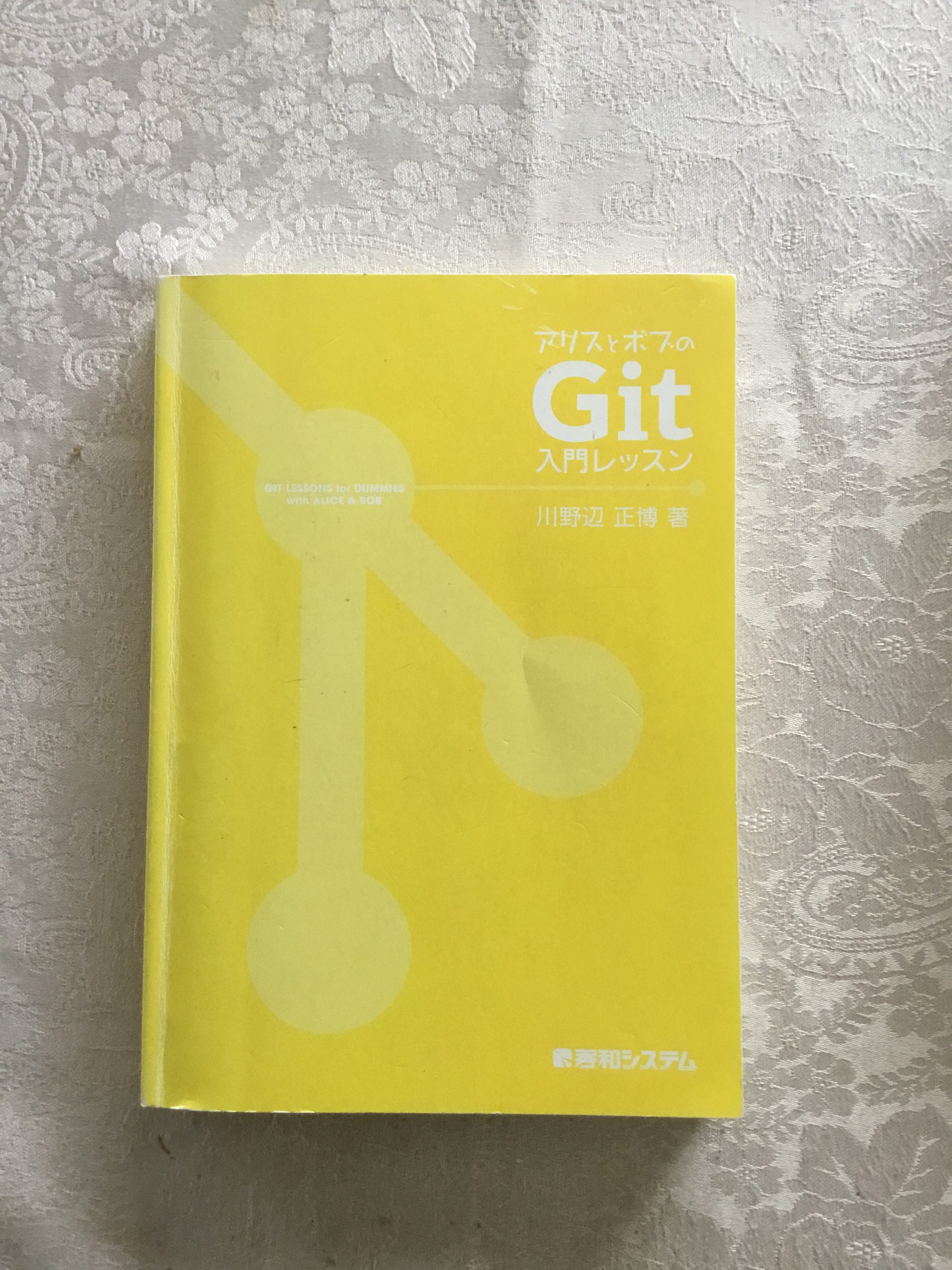
#3 アリスとボブのGit入門レッスン
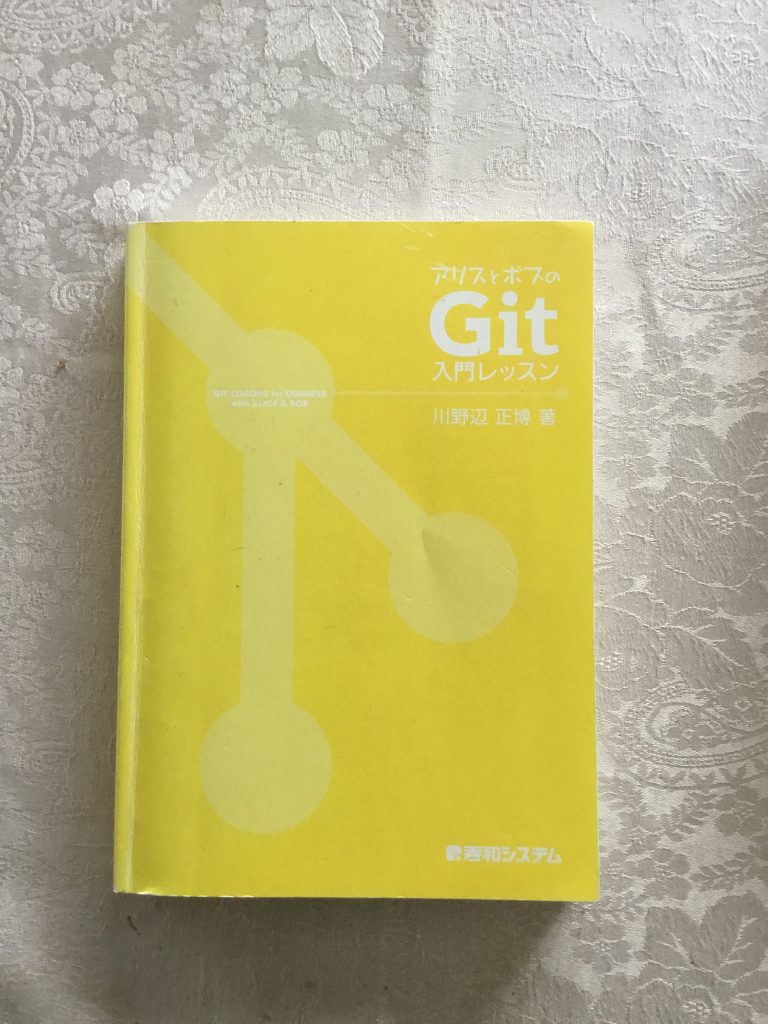
タイトルが”アリスとボブのGit入門レッスン”です。著者や発行所等のデータは、ISBN978-4-7980-3500-0 C 3055で。発売日 : 2012/9/18 なのでかなり古いです。というか、古い本しか手元に残っていない。(笑)
純粋にGitをはじめから使いたい人、基礎から理解したい人に向いている本だと思います。冒頭で繰り返し、Git initしたら、Git add .してGit commit -m “…..”してという流れが染みつきますよ。それで良いと思います。別記事でRemote RepositoryをCreateする話(RRMで作っても、Web-UIで作っても同じ)最初に作ったRemote Repositoryを見ると、必ず
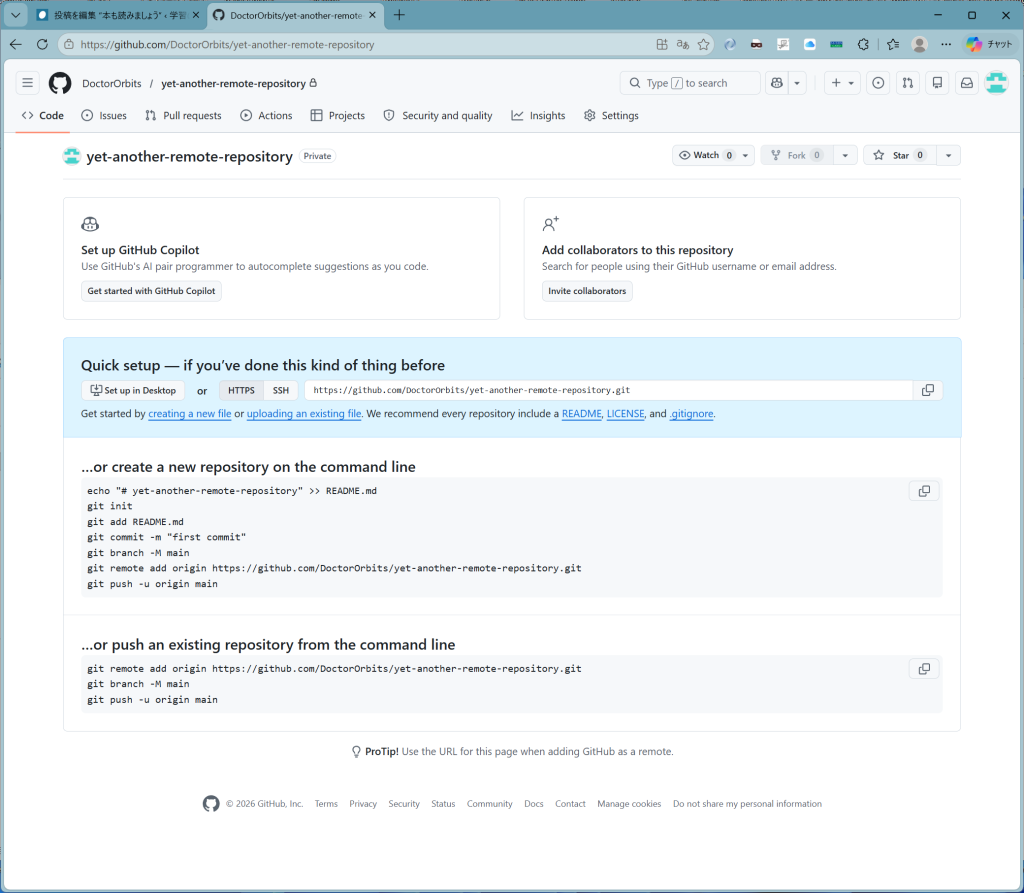
このようになります。作ったばかりでemptyですからね。オプションは、下の二つで、
…or create a new repository on the command line
echo "# yet-another-remote-repository" >> README.md
git init
git add README.md
git commit -m "first commit"
git branch -M main
git remote add origin https://github.com/DoctorOrbits/yet-another-remote-repository.git
git push -u origin main
か、
…or push an existing repository from the command line
git remote add origin https://github.com/DoctorOrbits/yet-another-remote-repository.git
git branch -M main
git push -u origin main新規ローカルレポジトリならば、上の手順。既存のレポジトリならば、下の手順ということです。で、これらの操作は巧みにIDEに組み込まれてはいますが、pushで初回の git push -u origin mainをどうしてもやってくれないので、RRMを作った次第です。(回顧)
コメント