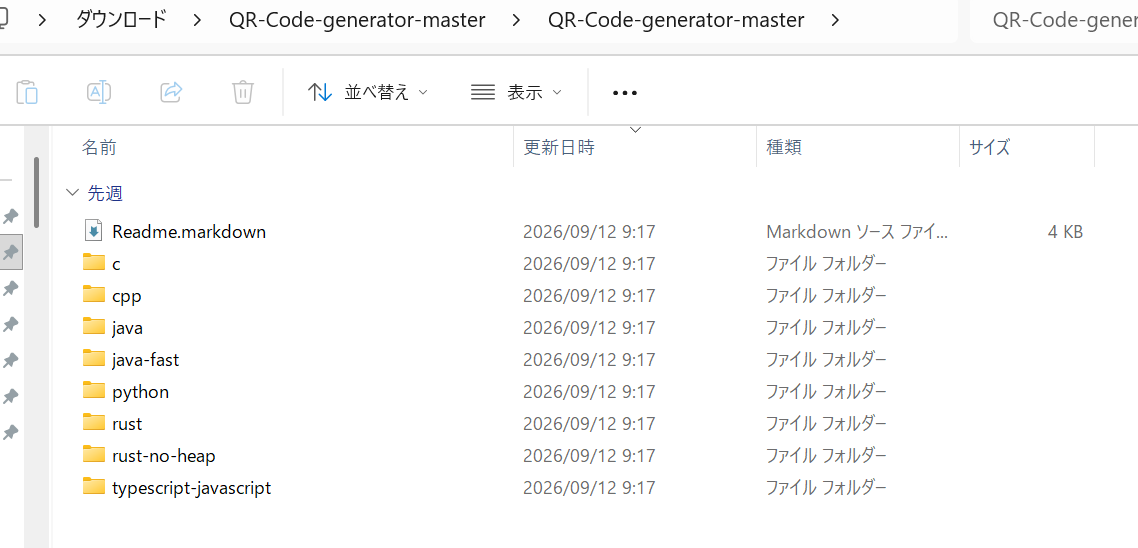
無料でできるwebサイトもありますけど…..。
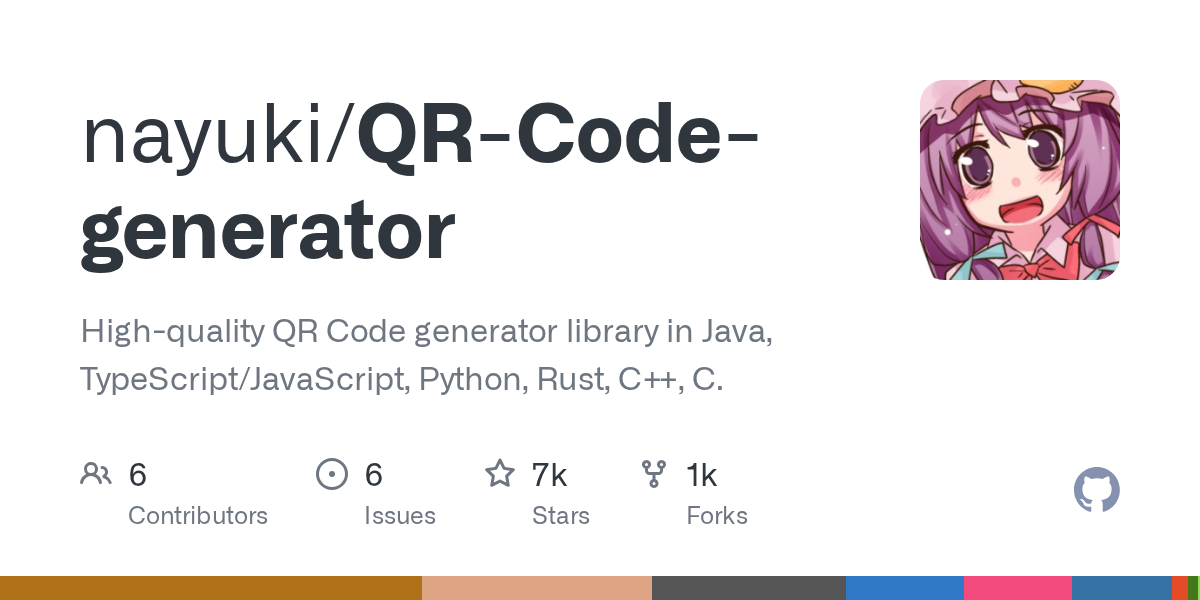
ここからコードをダウンロードします。解凍すると、
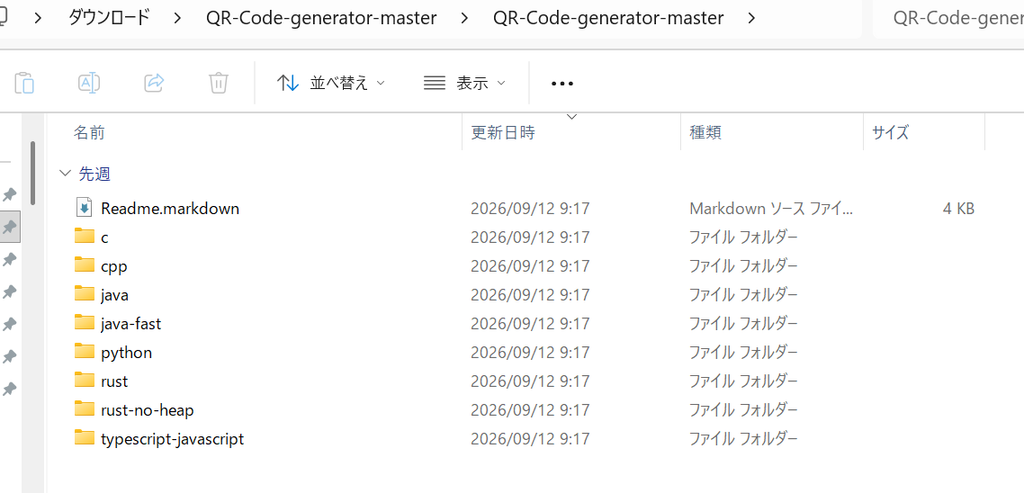
のように各言語のソースが得られますから。もちろんcppを開きます。
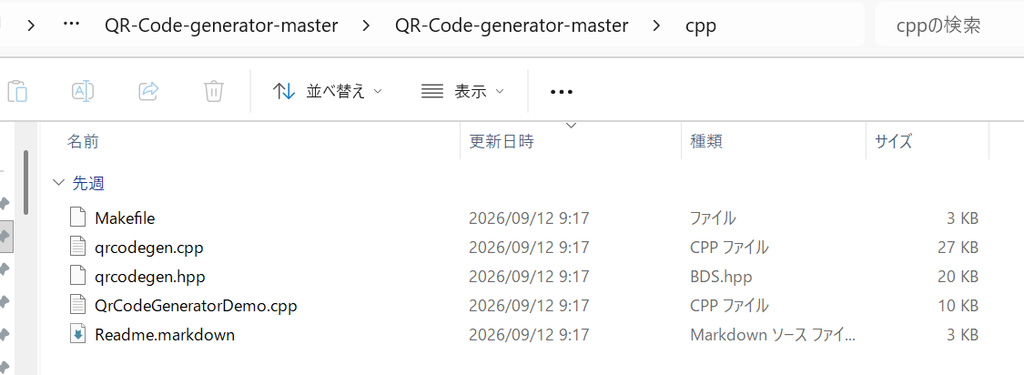
ここから”qrcodegen.cpp”と”qrcodegen.hpp”をプロジェクトに加えます。できあがったプログラムのフォームは、
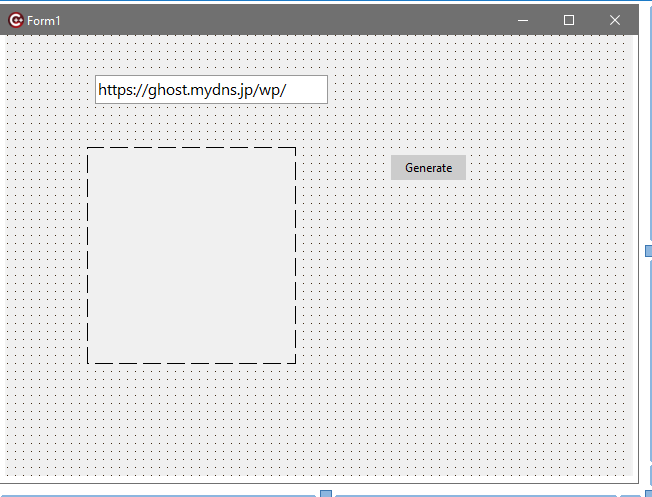
このように、TEditx1,TImagex1,TButtonx1くらいを配置します。Unit1.hは、
//---------------------------------------------------------------------------

#ifndef Unit1H
#define Unit1H
//---------------------------------------------------------------------------
#include <System.Classes.hpp>
#include <Vcl.Controls.hpp>
#include <Vcl.StdCtrls.hpp>
#include <Vcl.Forms.hpp>
#include <Vcl.ExtCtrls.hpp>
//---------------------------------------------------------------------------
class TForm1 : public TForm
{
__published:	// IDE で管理されるコンポーネント
	TImage *Image1;
	TButton *Generate;
	TEdit *Edit1;
	void __fastcall GenerateClick(TObject *Sender);
private:	// ユーザー宣言
public:		// ユーザー宣言
	__fastcall TForm1(TComponent* Owner);
};
//---------------------------------------------------------------------------
extern PACKAGE TForm1 *Form1;
//---------------------------------------------------------------------------
#endif
Unit1.cppは、
//---------------------------------------------------------------------------

#include <vcl.h>
#pragma hdrstop

#include "Unit1.h"
//---------------------------------------------------------------------------
#pragma package(smart_init)
#pragma resource "*.dfm"
TForm1 *Form1;

#include "qrcodegen.hpp"

void __fastcall TForm1::GenerateClick(TObject *Sender)
{
	using namespace qrcodegen;

    // 1. QRコードに変換する文字列とエラー訂正レベルを指定
	//const wchar_t* text = Edit1->Text.c_str();
	AnsiString url = Edit1->Text;

	QrCode qr = QrCode::encodeText(url.c_str(), QrCode::Ecc::MEDIUM);
    int qrSize = qr.getSize();

    // 2. 描画のスケール(1セルあたりのピクセル数)と余白を設定
	int scale = 8;      // 1つのマス目を4x4ピクセルで描画
	int border = 0;     // 周囲の余白(マス目単位)

    // 全体のピクセルサイズを計算
    int totalSize = (qrSize + border * 2) * scale;

    // 3. TImageのサイズを初期化
    Image1->Picture->Bitmap->SetSize(totalSize, totalSize);
    TCanvas *canvas = Image1->Canvas;

    // 4. 背景(白)を塗りつぶし
    canvas->Brush->Color = clWhite;
    canvas->FillRect(TRect(0, 0, totalSize, totalSize));

    // 5. QRコードのドットを描画(黒)
    canvas->Brush->Color = clBlack;
    canvas->Pen->Style = psClear; // 枠線なし

    for (int y = 0; y < qrSize; y++) {
        for (int x = 0; x < qrSize; x++) {
            // getModule(x, y) が true なら黒
            if (qr.getModule(x, y)) {
                int x1 = (x + border) * scale;
                int y1 = (y + border) * scale;
                int x2 = x1 + scale;
                int y2 = y1 + scale;

                canvas->Rectangle(x1, y1, x2, y2);
            }
        }
    }
}

//---------------------------------------------------------------------------
__fastcall TForm1::TForm1(TComponent* Owner)
	: TForm(Owner)
{
}
//---------------------------------------------------------------------------
実行すると、
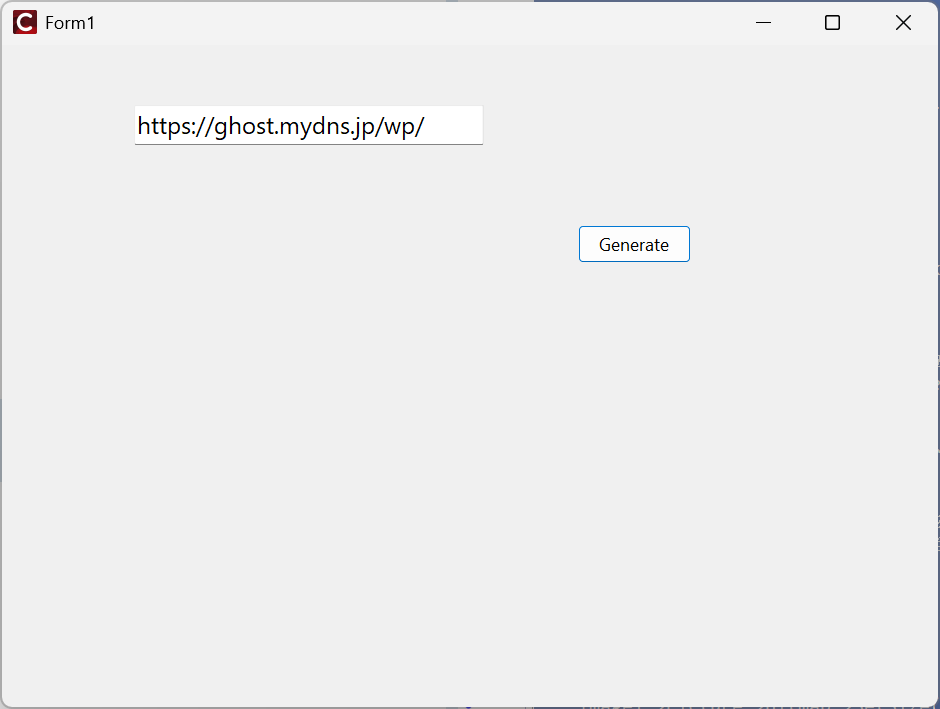
Edit1にお好みの文字列(普通はurlかな)を入れて、”Generate”ボタンをクリック。
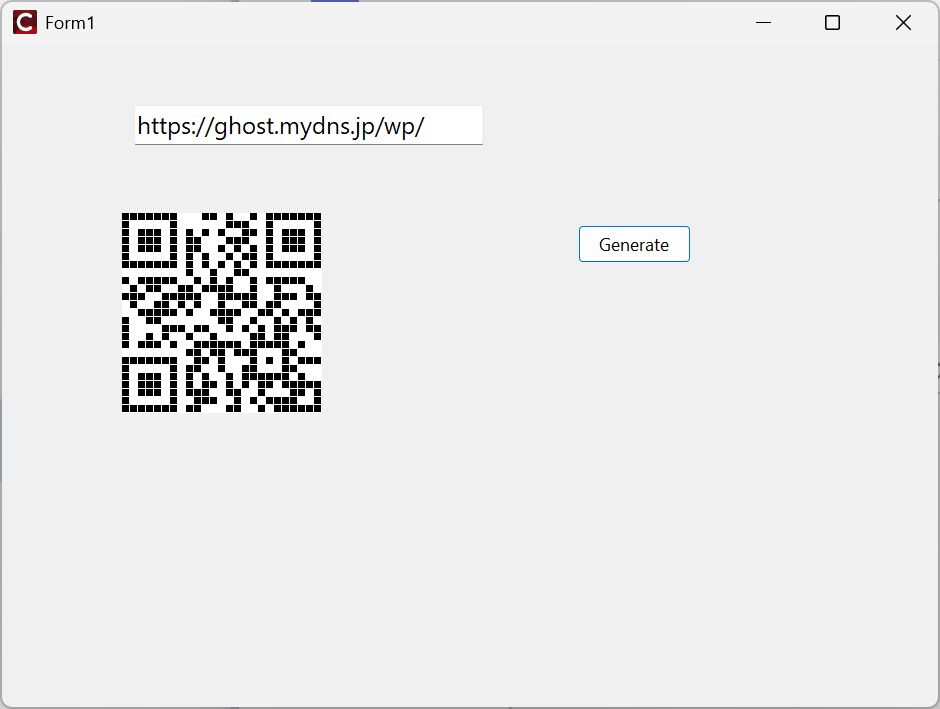
と結果が得られます。自前でプログラム作らなくても、無料でQRcode発行できるサイトはネット上に多数あります。サーバー関係で色々とお世話になっている”cman.jp”さんだけ紹介しておきます。
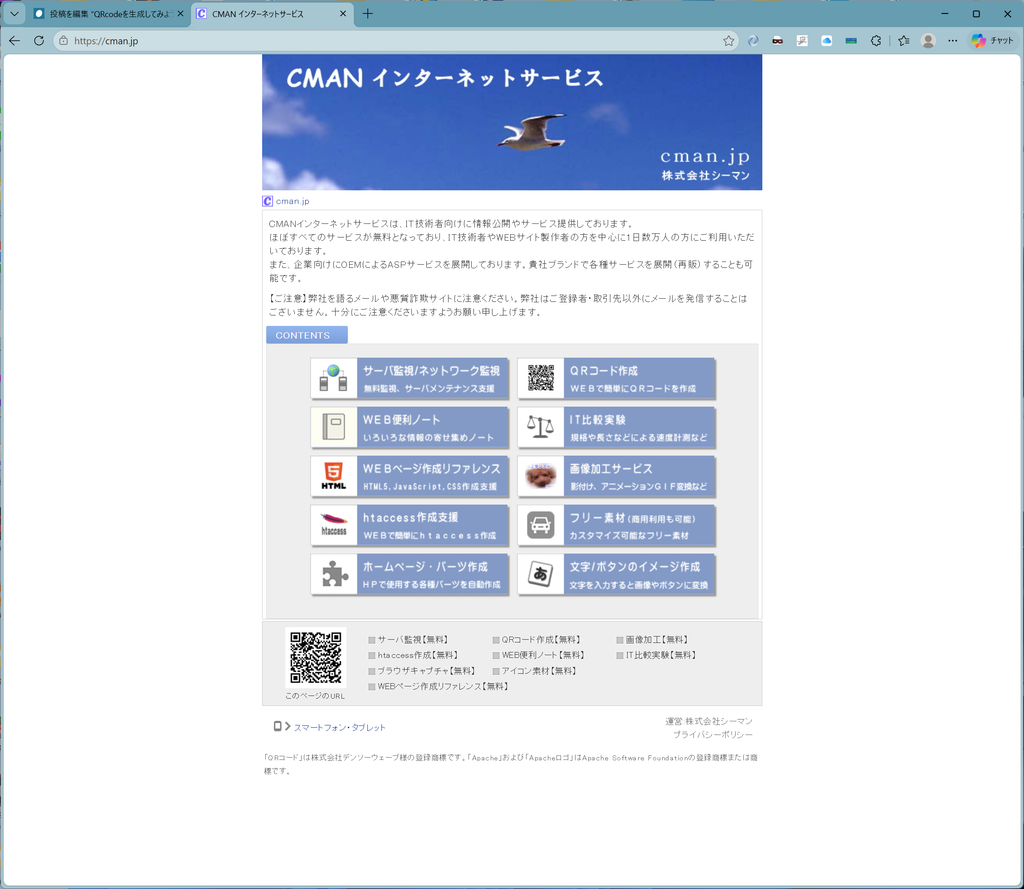
urlは”https://cman.jp”です。ここから、右上の”QRコード作成”で、
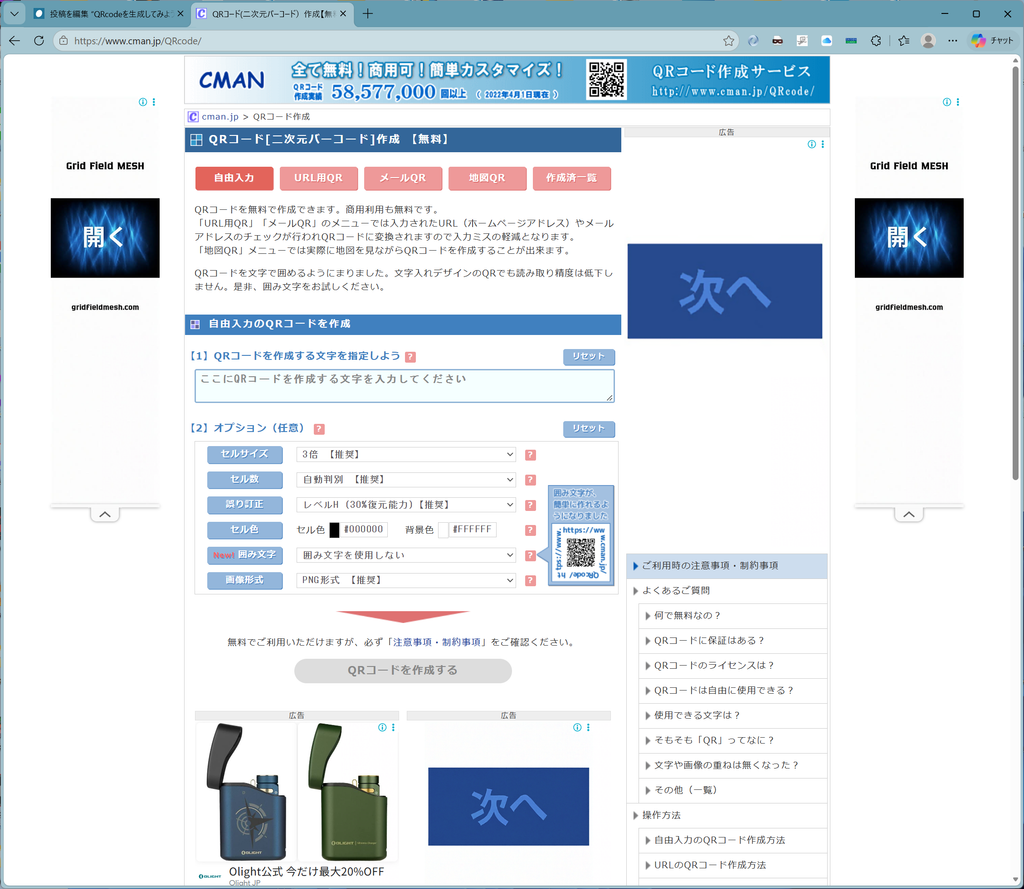
色々とカスタマイズ可能です。urlの場合は、存在の確認までしてくれます。
今回のプログラムと逆に、任意のQRcodeを読み取って、テキスト(url等)を検出するものの集大成は、“ZXing-cpp”なるものですが、C++ Builder CEでbuildするのは難航しています。できたら記事にします。MSVCでbuildしたものをPopenするという反則は避けたいのですが…..。(笑)
コメント