Afterlogic WebMail Liteをインストールする
事前にimap daemonを入れておく必要があります。普通はdovecot入れる時に一緒に入れるのですが、当初pop3dのみで運用するつもりだったので、追加しました。すでにpop3d+dovecotで運用していて、smtp auth込みで動いてますので、単純にimapdだけをインストールすれば良いので、
apt install dovecot-imapdここからバイナリをダウンロード。Debianだとrepositoryをいじってから、apt installする手もあるけど、
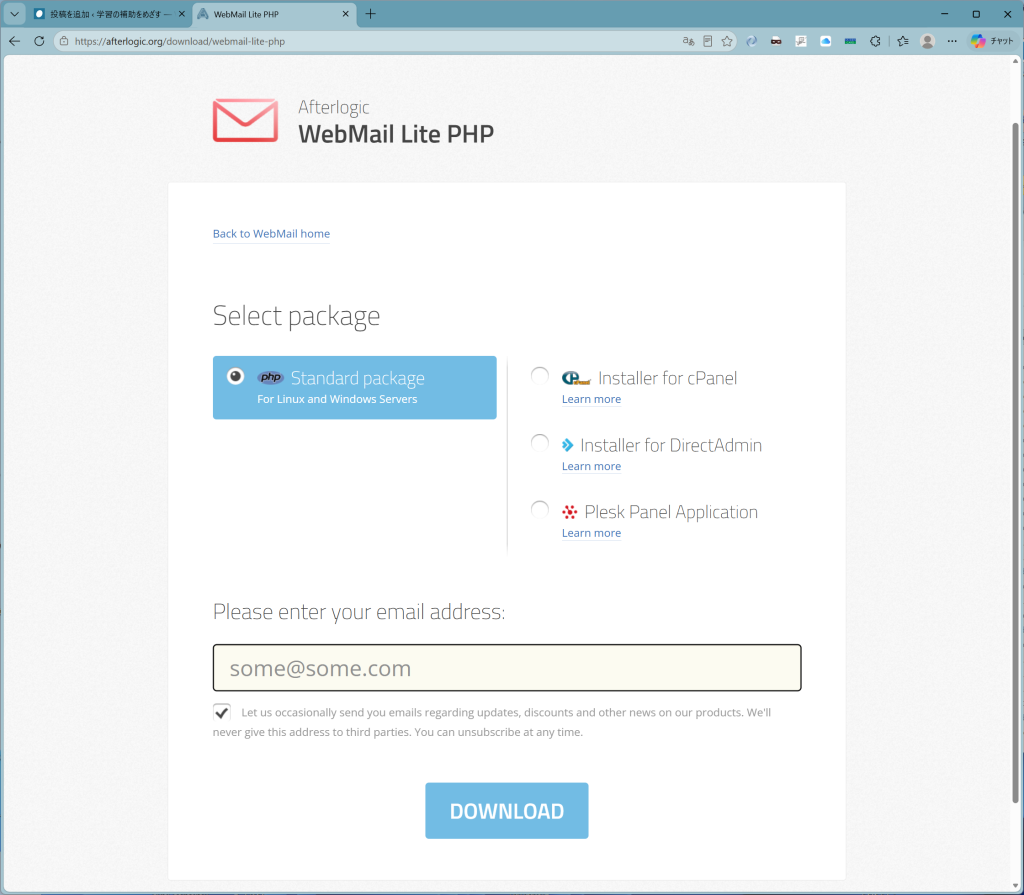
適切なメールアドレスを入れて、ダウンロード。
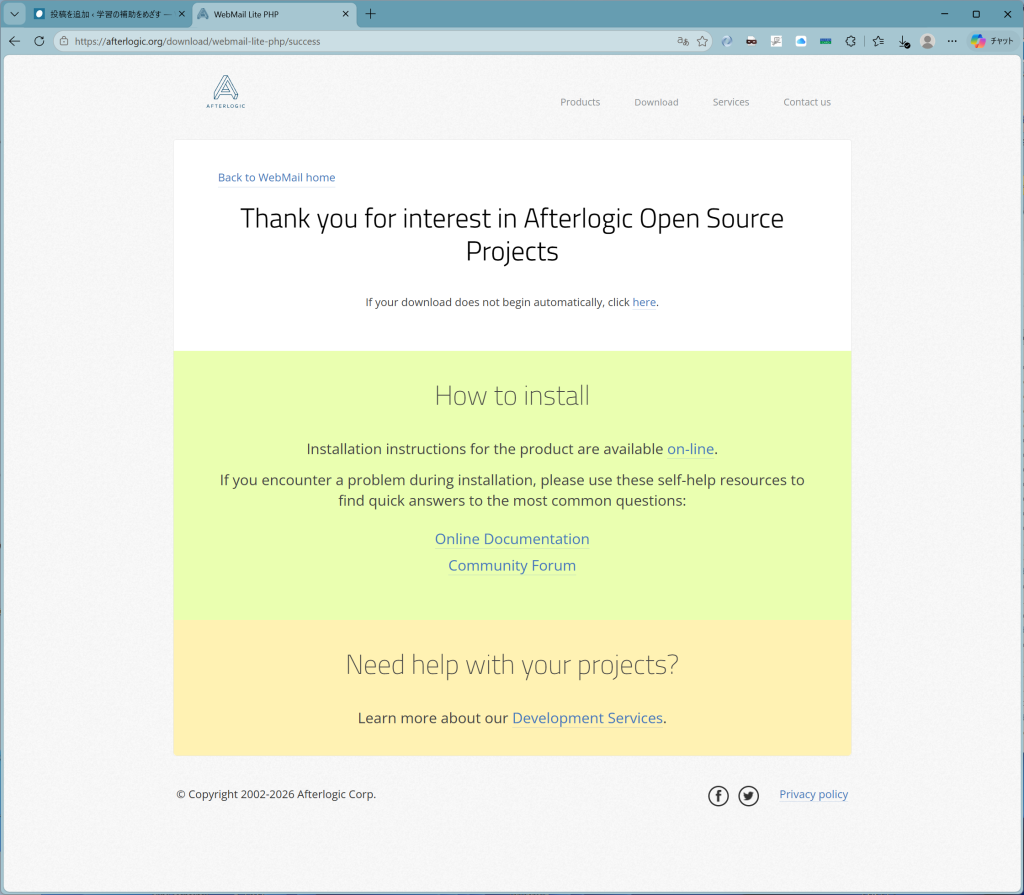
とあるように、インストラクションはオンラインで、
Installing on Linux
Unzip and upload the contents of the product package onto your web server. Let's assume you've created a directory called webmail in the root of your web space (web root) and placed the package contents there. This way, you'll be able to access the application through the web at the URL of the following kind: http://your_domain/webmail

Examples (assuming you wish to use webmail name for the target directory):

in case of SSH access to a dedicated server, the web root usually looks like /var/www/html. Thus, you should create /var/www/html/webmail directory and place the application files/directories there.
in case of uploading via FTP on a shared hosting, the web root is usually something like /public_html and you should create and upload into /public_html/webmail directory.
NB: It's important to make sure data directory is writable by web server.

Typically, that's achieved by changing files ownership to the system user webserver runs under. For example:

chown -R www-data:www-data /var/www/lite/data
Alternately, you can try changing permissions recursively to 755 or 777:

chmod -R 0777 /var/www/lite/data
Read more on this at: Troubleshooting issues with data directory記述が良さげなので、この通りに実行。筆者の場合は、/var/www/html/webmail以下へアーカイブを展開。後にwebmailは長いので、wmに縮めました。
設定へ進む前に、互換性ないし必要条件が満たされているかをチェック
To run the test, add ?install to AdminPanel URL, for example: https://yourdomain.com/webmail/adminpanel/?installとあるので、ホスト名を正しくセットして上記urlへ。
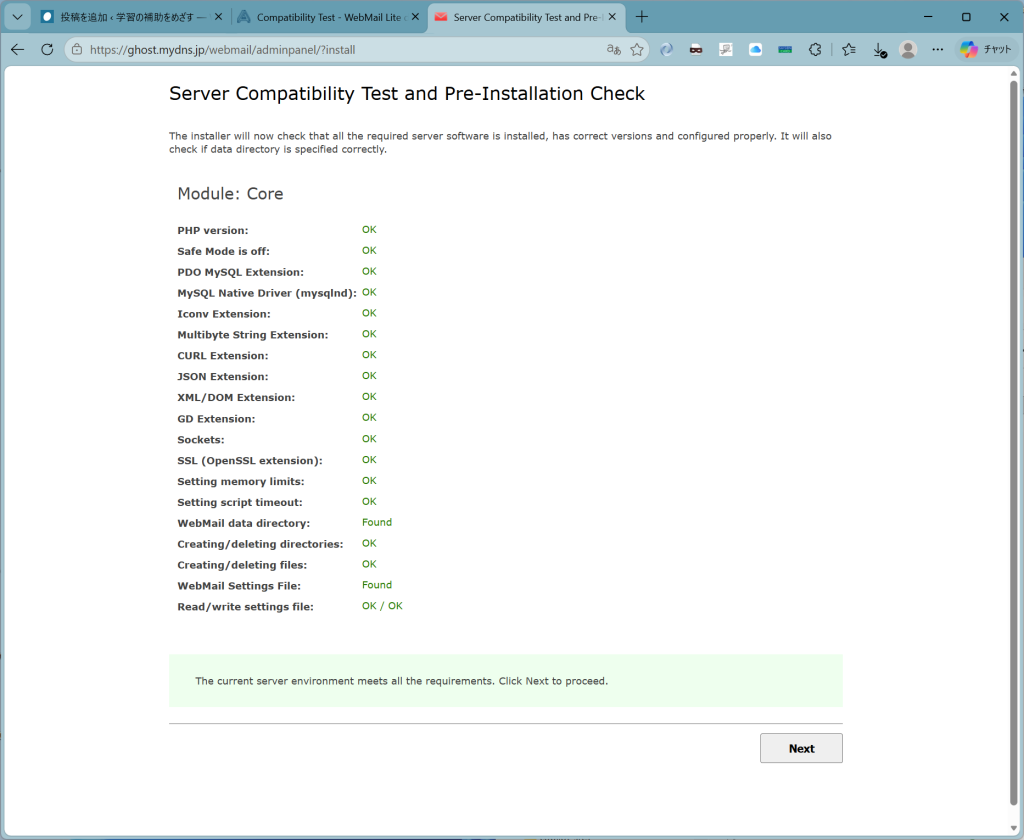
OK。Nextをクリックすると、
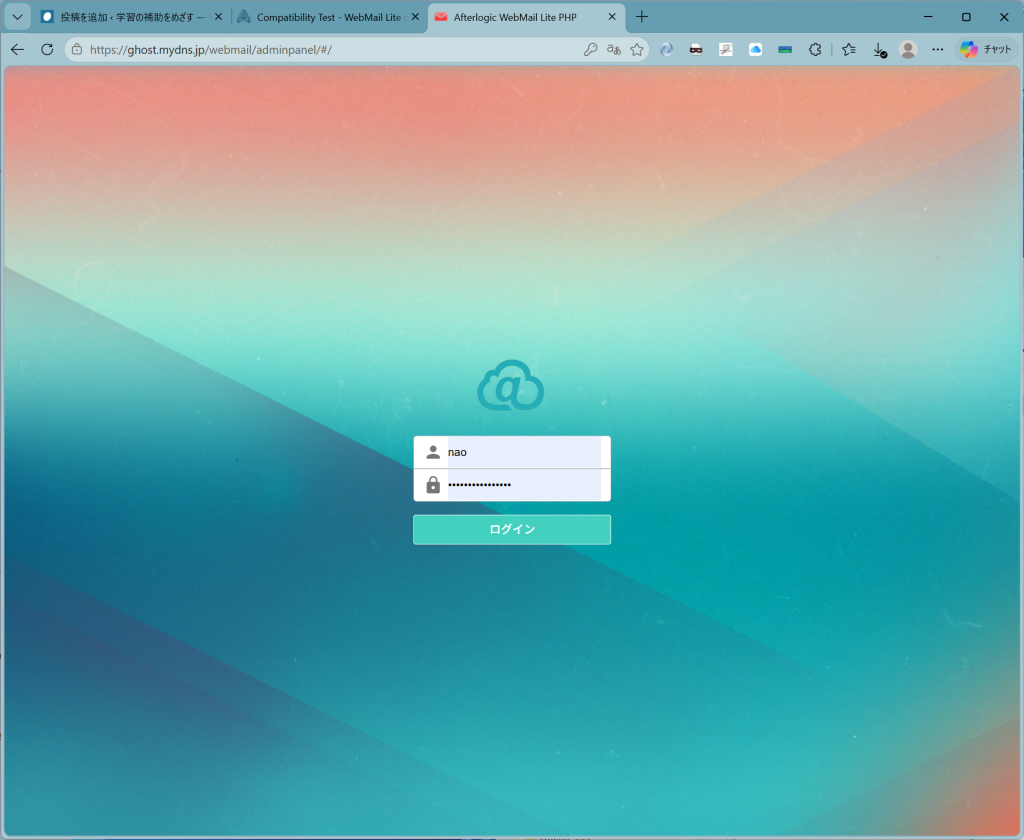
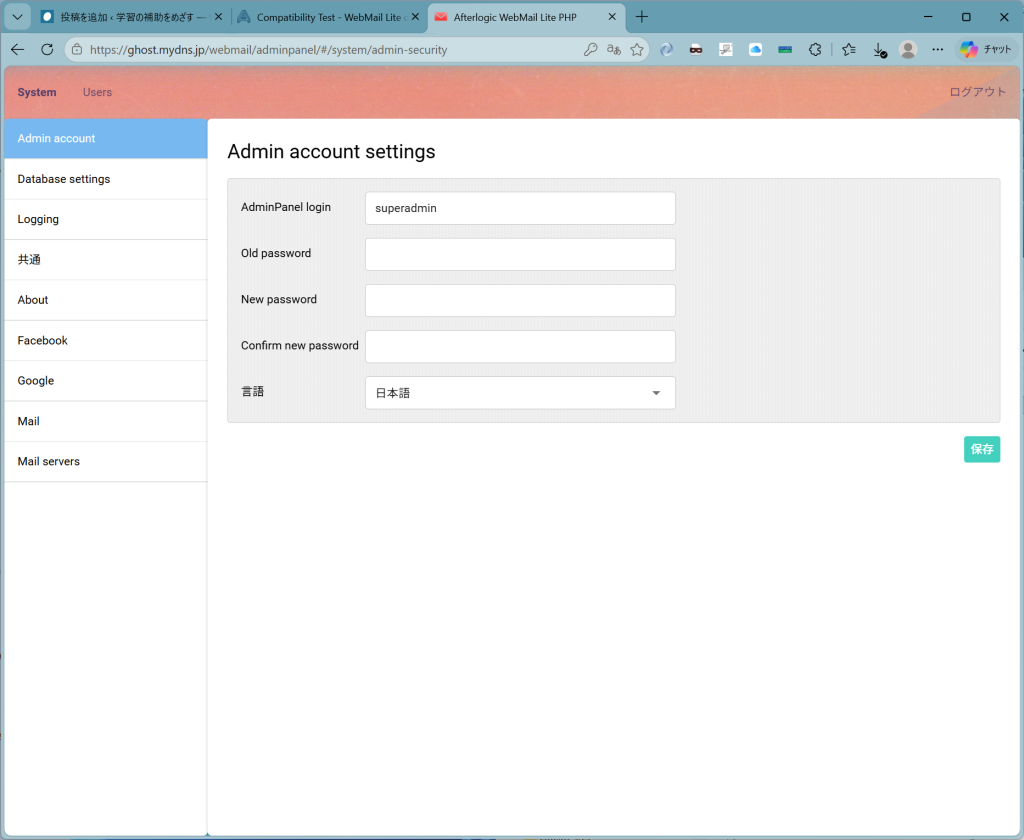
初回設定時には、superadminでpasswordブランクでログイン。
以下色々と設定しますが、この時点の前にDBを用意しておきます。Mariadbでオケです。筆者はコマンドラインから作りました。
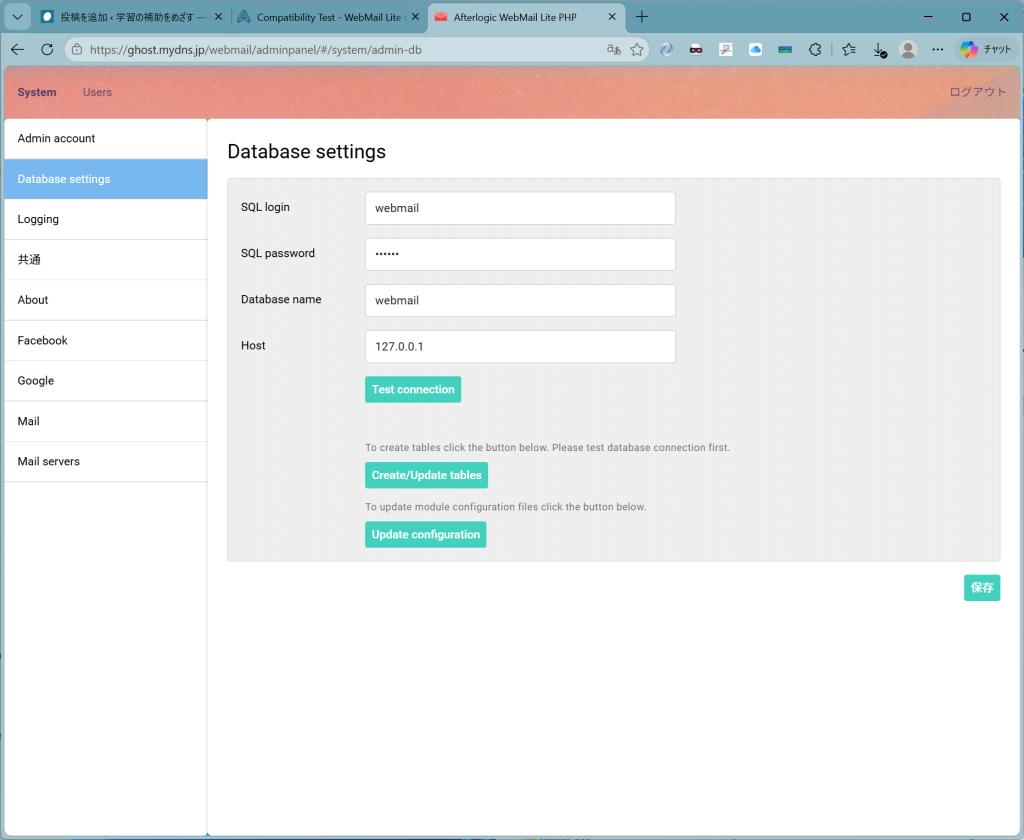
Test connectionしてから順次Create/Update tableします。Createで若干時間かかります。忘れずに右下の保存。
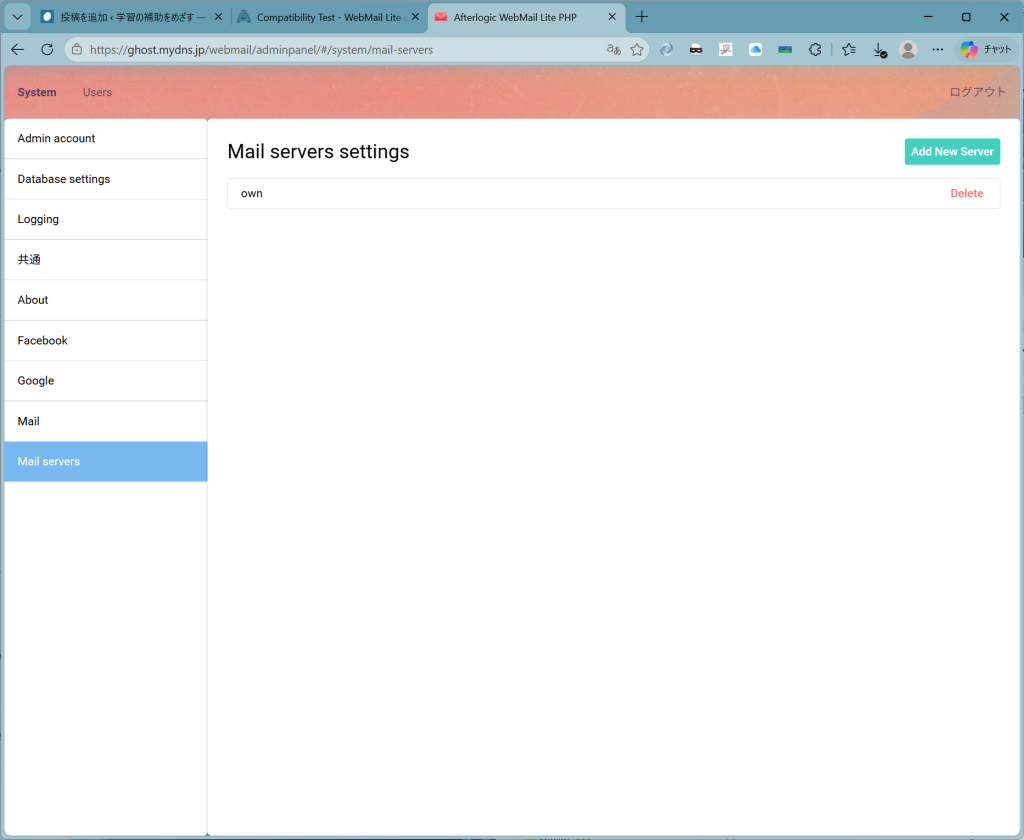
最初はサーバー達(imapとsmtp)の指定が無いので、addします。
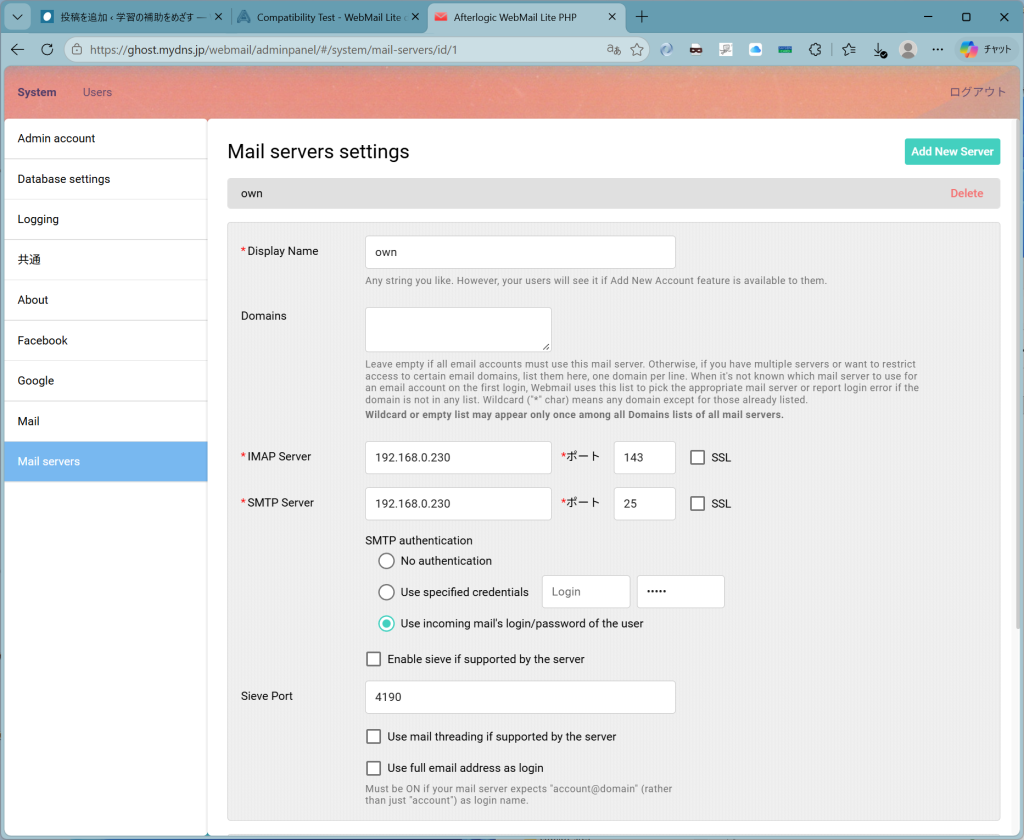
注意すべきなのは、Domainsを空欄にし、上図一番下のチェックをオフにしてもなおかつlogin idとしては、id@domainが要求されるのでご注意。せっかく設定が正しくても永久にログインできませんので、つまり、
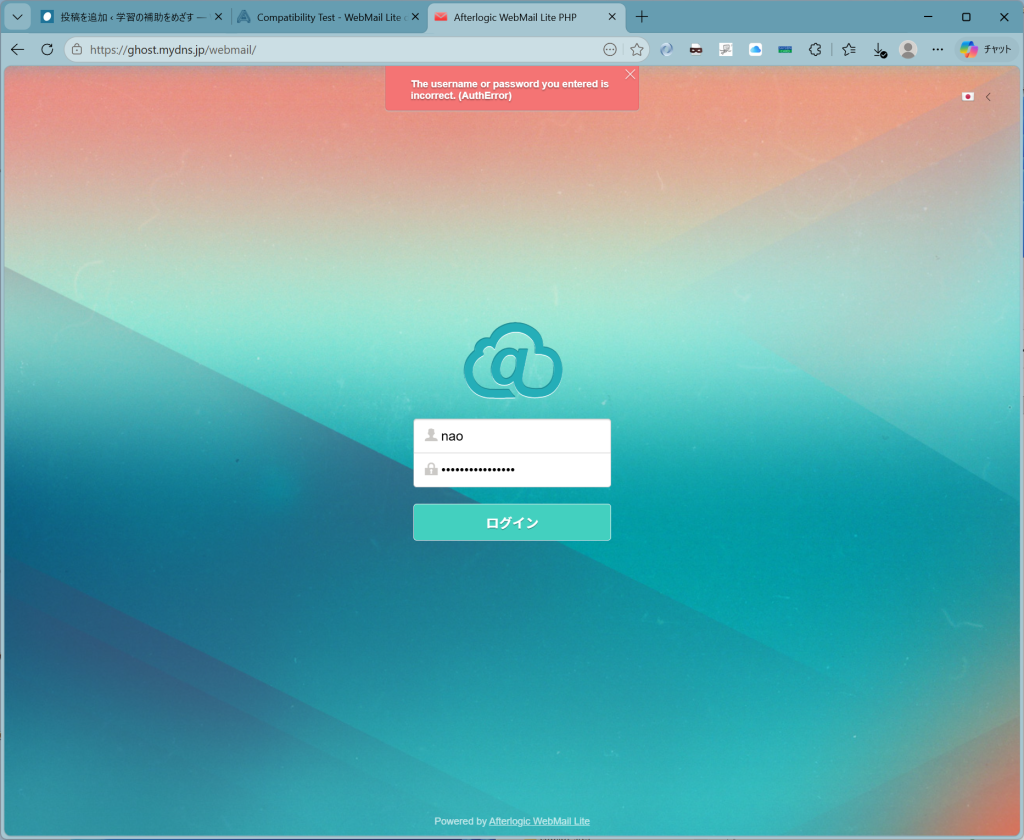
これはダメで、
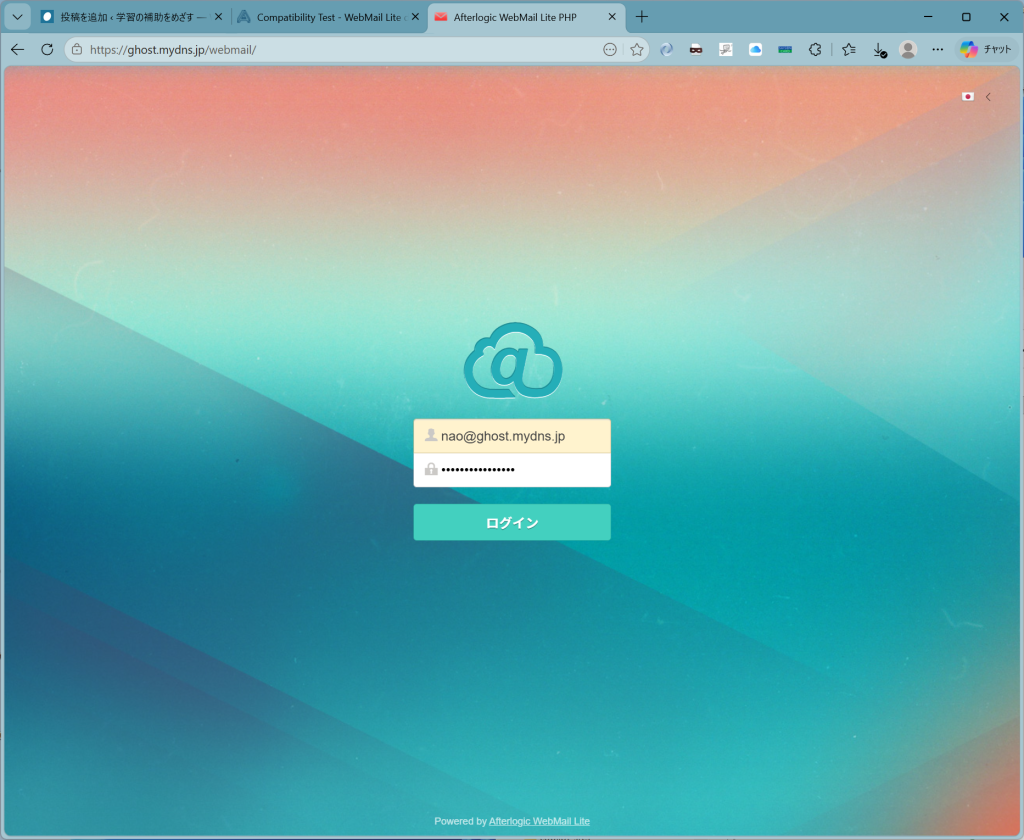
これならばおけ。見にくいかな?上段がid@domain.nameで下段がpasswordの形式でないとだめ。id and passwordはダメ。使い憎いので、AfterLogic社のforumへ問い合わせ書き込み済みですが、現時点で回答ありません。
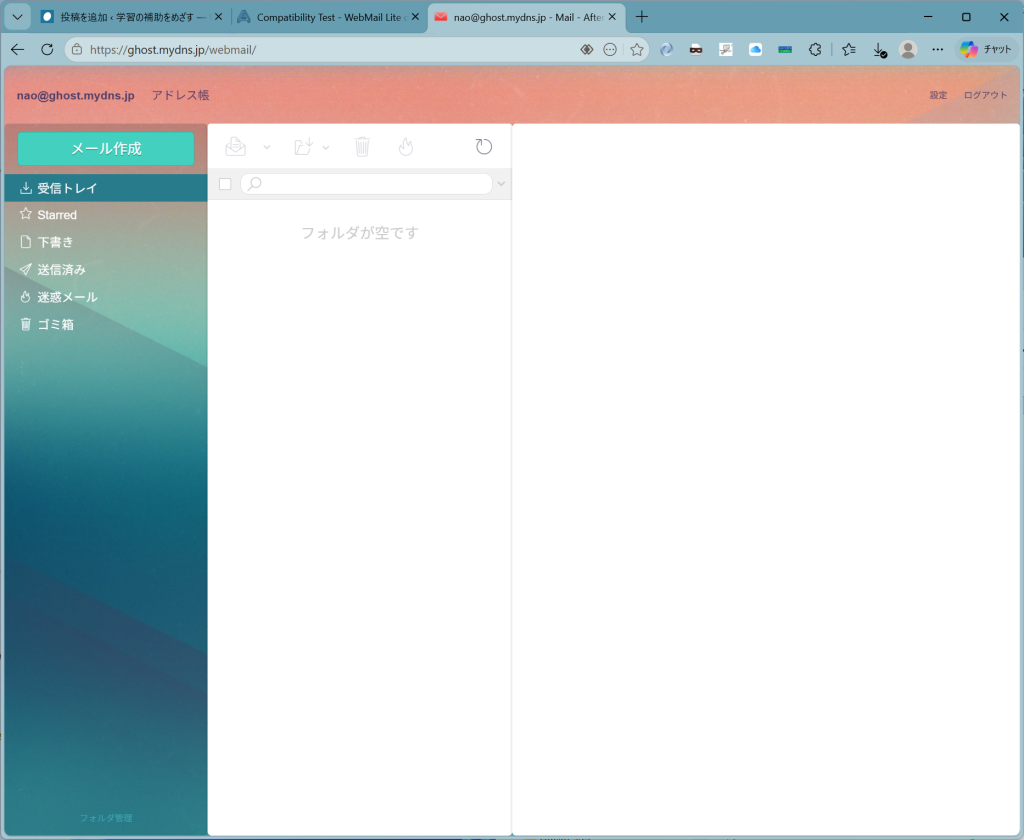
あー、スマホからね。iphoneからは、
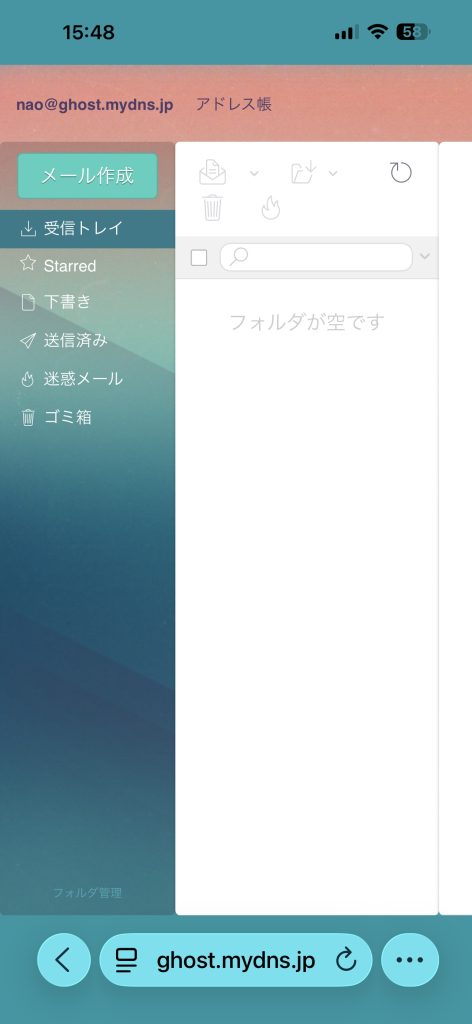
iPadだと、
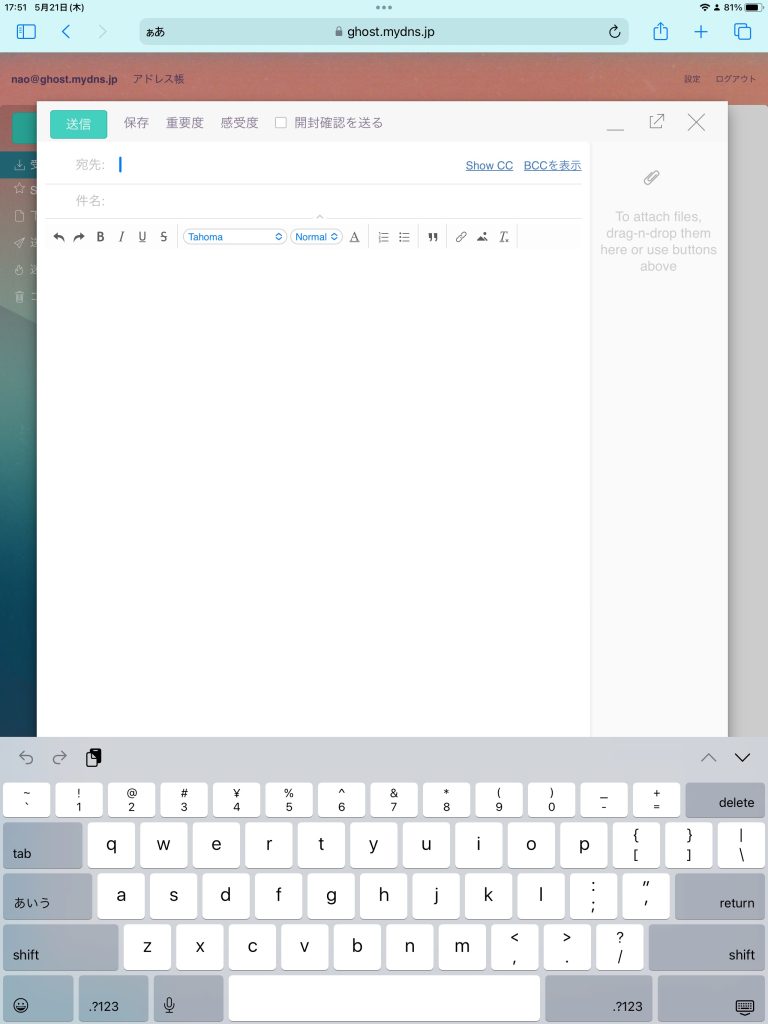
そこそこ使えそうですね。外界からのアクセスも確認できました。imapdもsmtpdも外部からは突撃できませんが、https経由でwebmailからlocalhostへのアクセスが可能なので、portに穴開けなくも疎通できるわけです。
id@domain.comの形式もブラウザに憶えさせればいいからほぼ無問題ともいえます。今朝Qを投げたばかりなので、しばらくは待ちますかね。
追記:
Replyというかフォロー来ましたけど、
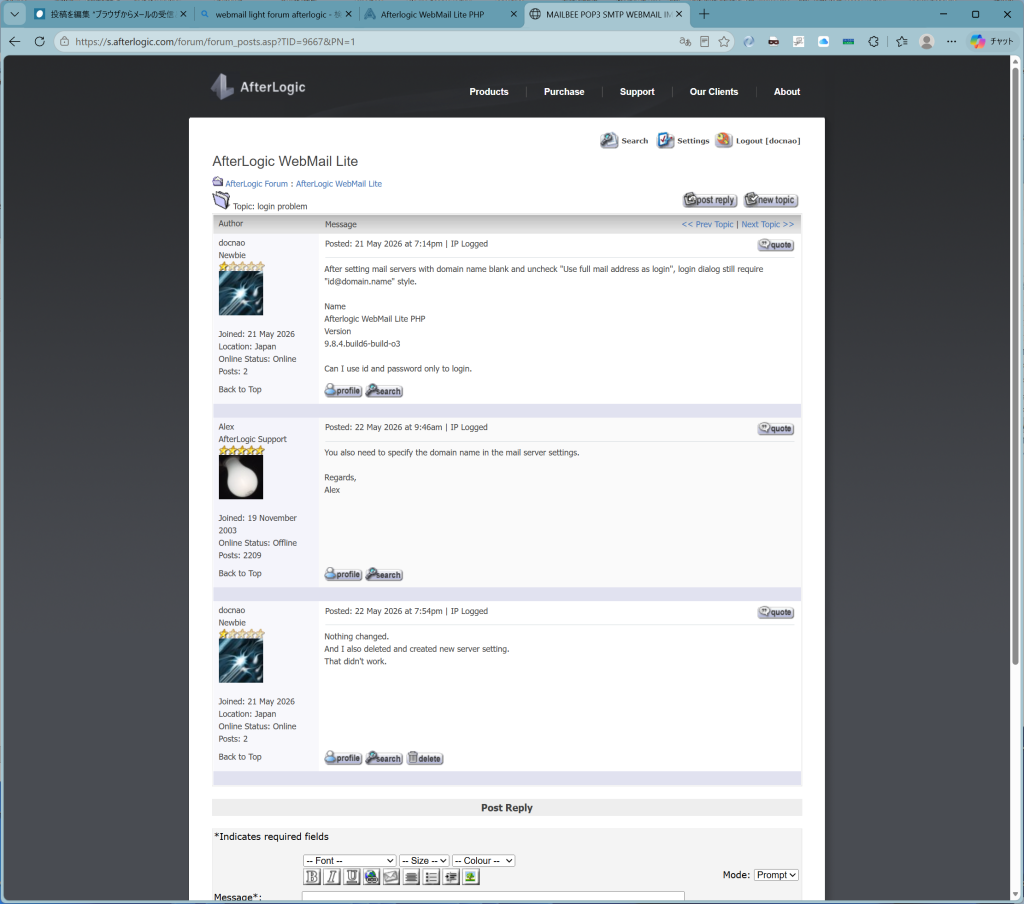
役には立たないのでした。ま、ブラウザ君がidとpassword憶えるから、逆にdomain付きのidを選択できて良い。本質的な問題ではないですからね。case closedかな?何か進展あればここに加筆します。


コメント